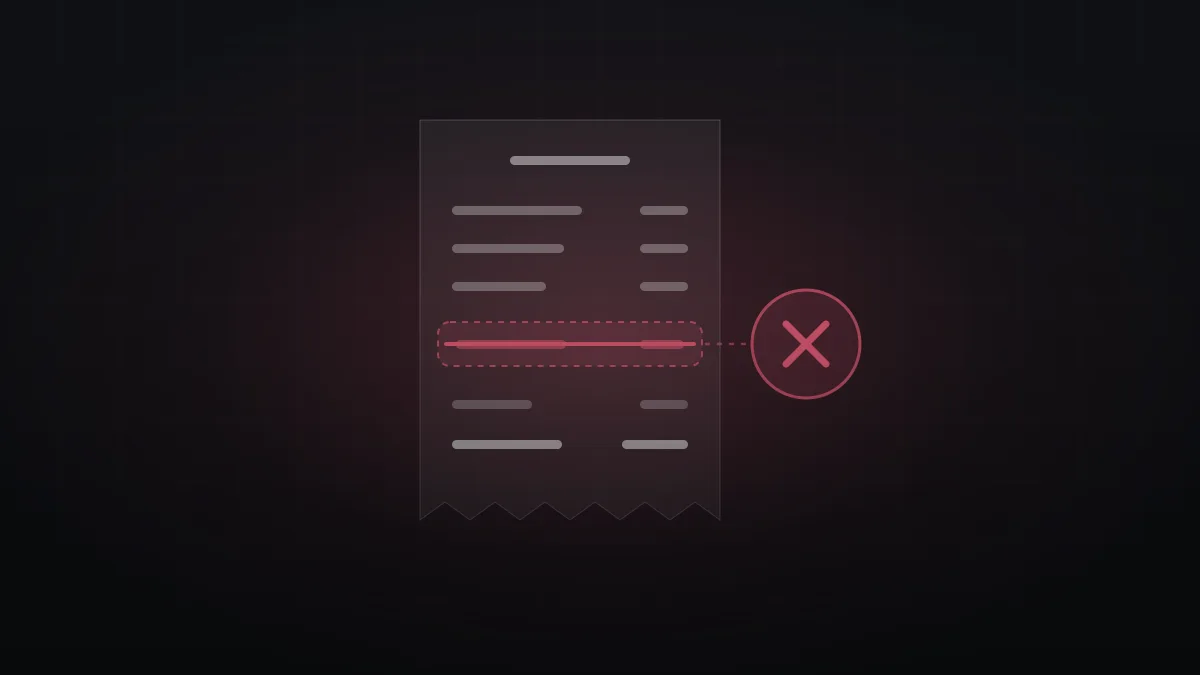
It is 9 pm on a Saturday. Table 6 orders the paneer tikka from the QR menu. The kitchen ran out twenty minutes ago, and the chef told the captain, but nobody told the menu. The waiter walks back to apologise. The guest asks for the bill, and the cashier cannot find the two drinks that were ordered at the bar.
Nobody did anything wrong. The restaurant has a billing app, a QR menu from another company, paper tickets in the kitchen, a stock sheet in Excel and bookings in a diary. Each one works. The gaps between them do not.
That is the real case for an all-in-one system. It is not more features. It is fewer gaps.
What "all in one" should actually mean
Plenty of products use the phrase. A simple test: when one thing happens, how many other things update without anybody typing?
Take one dish, and follow it through:
| What happens | What should update by itself |
|---|---|
| A guest orders from the table QR | The right kitchen station sees it, and the table shows as ordering |
| The chef starts cooking | Ingredients come off stock, using the recipe |
| The last portion is used | The dish shows as sold out on every guest's phone |
| The dish is ready | That table's waiter is told |
| The guest asks for the bill | Every item, option and discount is already on it |
| The bill is paid | The sale reaches the day report, the GST report and the guest's history |
If any row needs a person to copy something from one screen to another, that row is where mistakes happen.
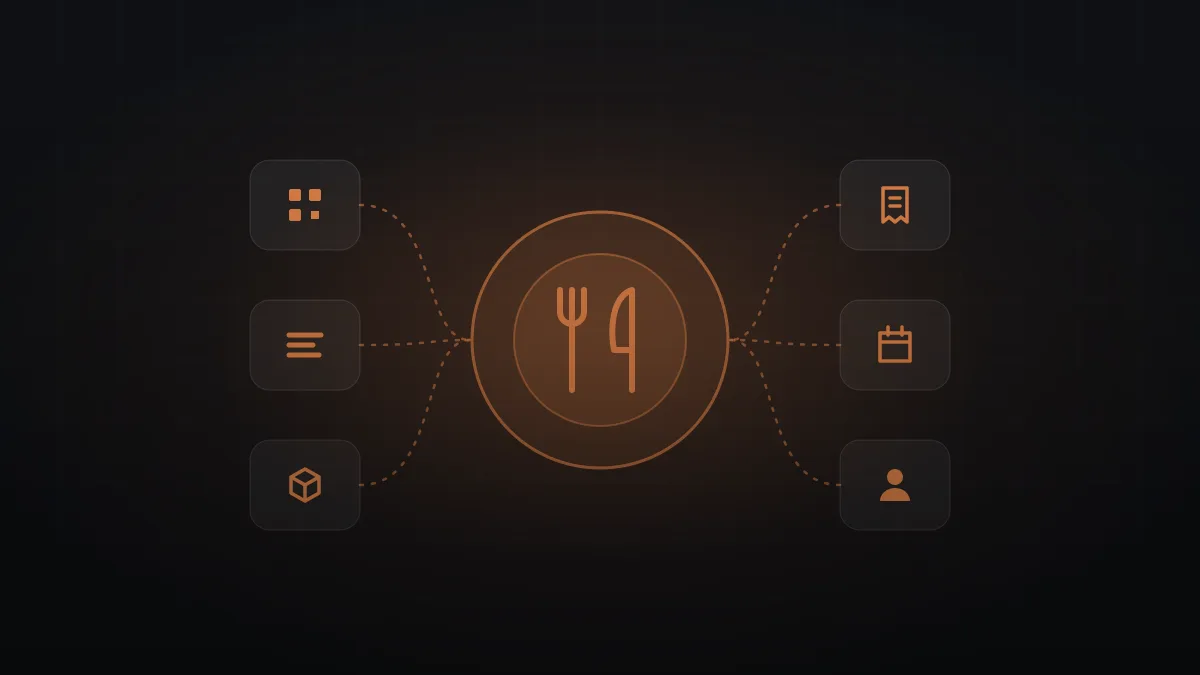
The eight parts to look for
- Ordering. QR at the table, waiter orders and takeaway, all landing in the same queue.
- Kitchen display. Tickets split by station, with clear states: new, cooking, ready, served.
- Billing. Split by item or equally, merged tables, discounts with limits, cash drawer and shifts.
- Inventory. Recipes, units, wastage, stock counts and low-stock alerts. This is the part that pays for the rest, and it has its own guide.
- Purchasing. Suppliers, purchase orders, part deliveries and price history.
- Reservations and waitlist. Bookings that know which tables are occupied now.
- Guests. History, loyalty, feedback and consent for marketing.
- Reports. Sales, dishes, stock, staff and tax, and one view across branches.
You may not need all eight on day one. You do want them to be there when you open the second branch.
Twelve questions to ask any vendor
Ask for these to be shown, not described.
Service
- Mark a dish sold out. How long until a guest who already has the menu open sees it?
- A guest orders on their phone and the waiter adds a drink. Is it one bill?
- Move a party from table 4 to table 9, mid-meal. Does the bill follow?
- What happens when the internet drops for ten minutes?
Money
- Who can give a 20% discount, and where is the approval recorded?
- Can a paid bill be edited? (The right answer is no: void or refund, with a reason.)
- Close a shift that is ₹500 short. What does the manager see?
- Is any charge added to the bill by default? In India this matters more than it used to, as we explain in restaurant billing rules.
Stock
- Cancel a dish before cooking, then one after. Does stock behave differently?
- Change a recipe today. Does last month's cost report change? (It should not.)
Ownership
- Can I export my menu, guests, bills and stock myself?
- Which of these features are live today, and which are on the roadmap?
Question 12 is the one people skip. Delivery-app integrations, online payments and printers are the usual places where "supported" turns out to mean "soon".